

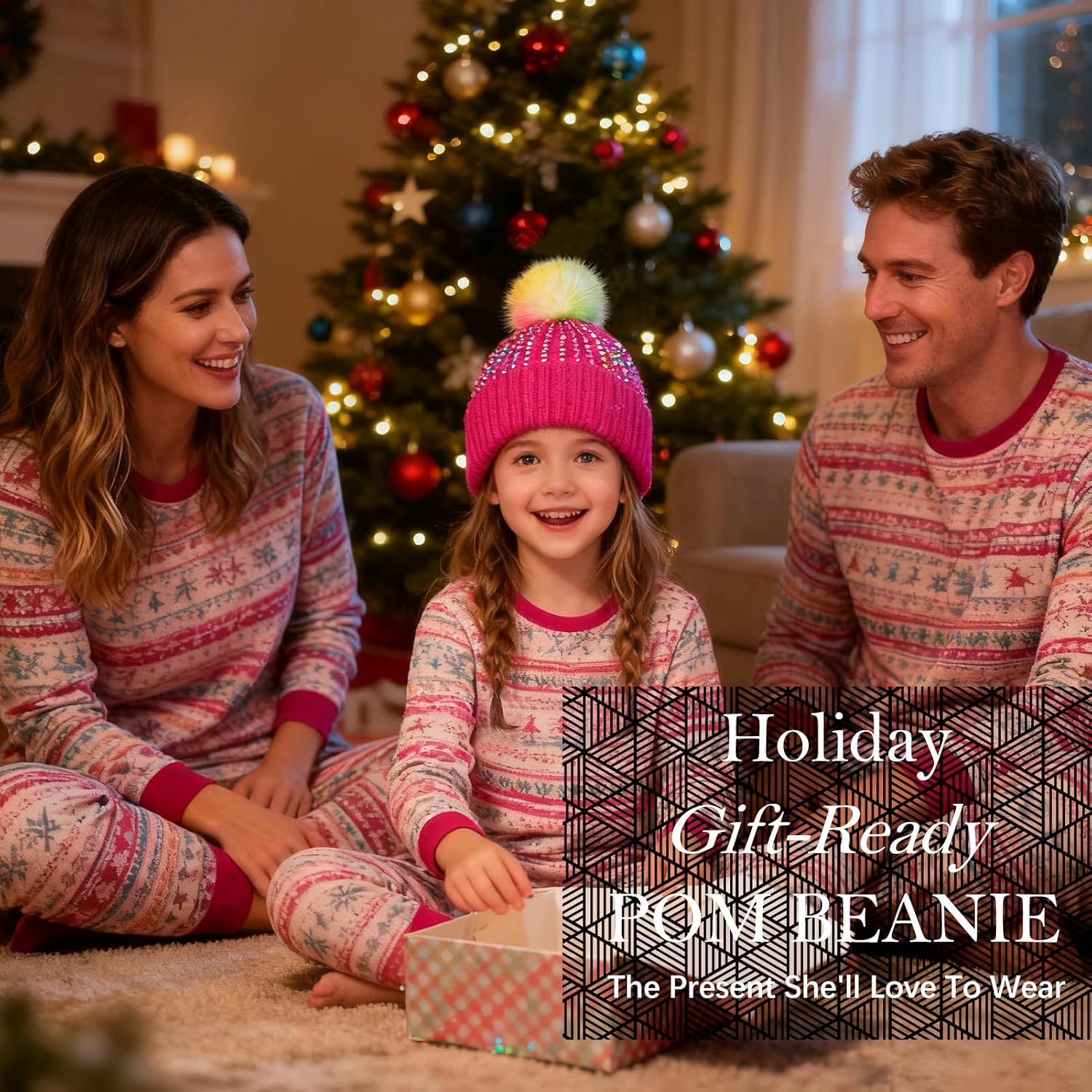
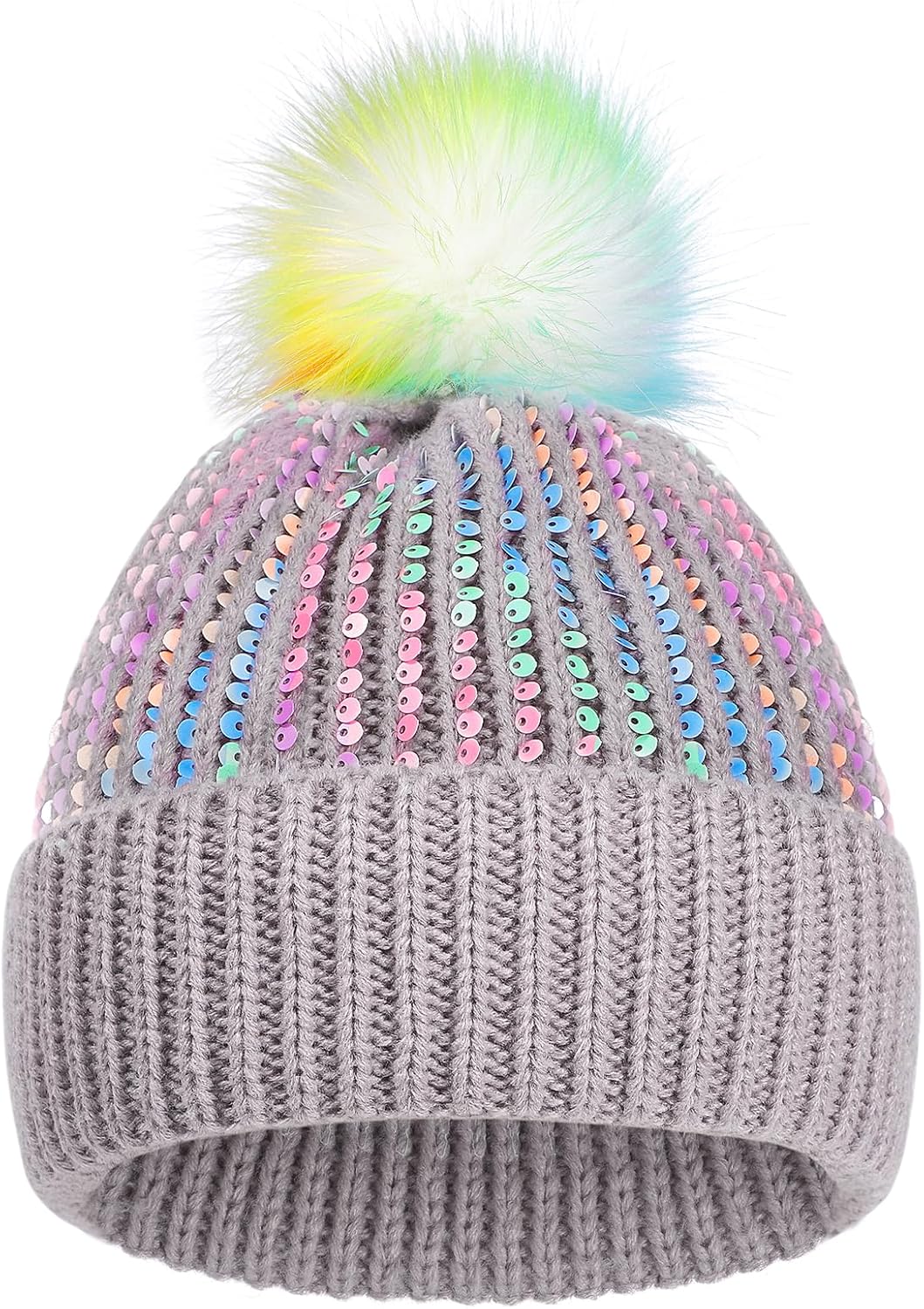
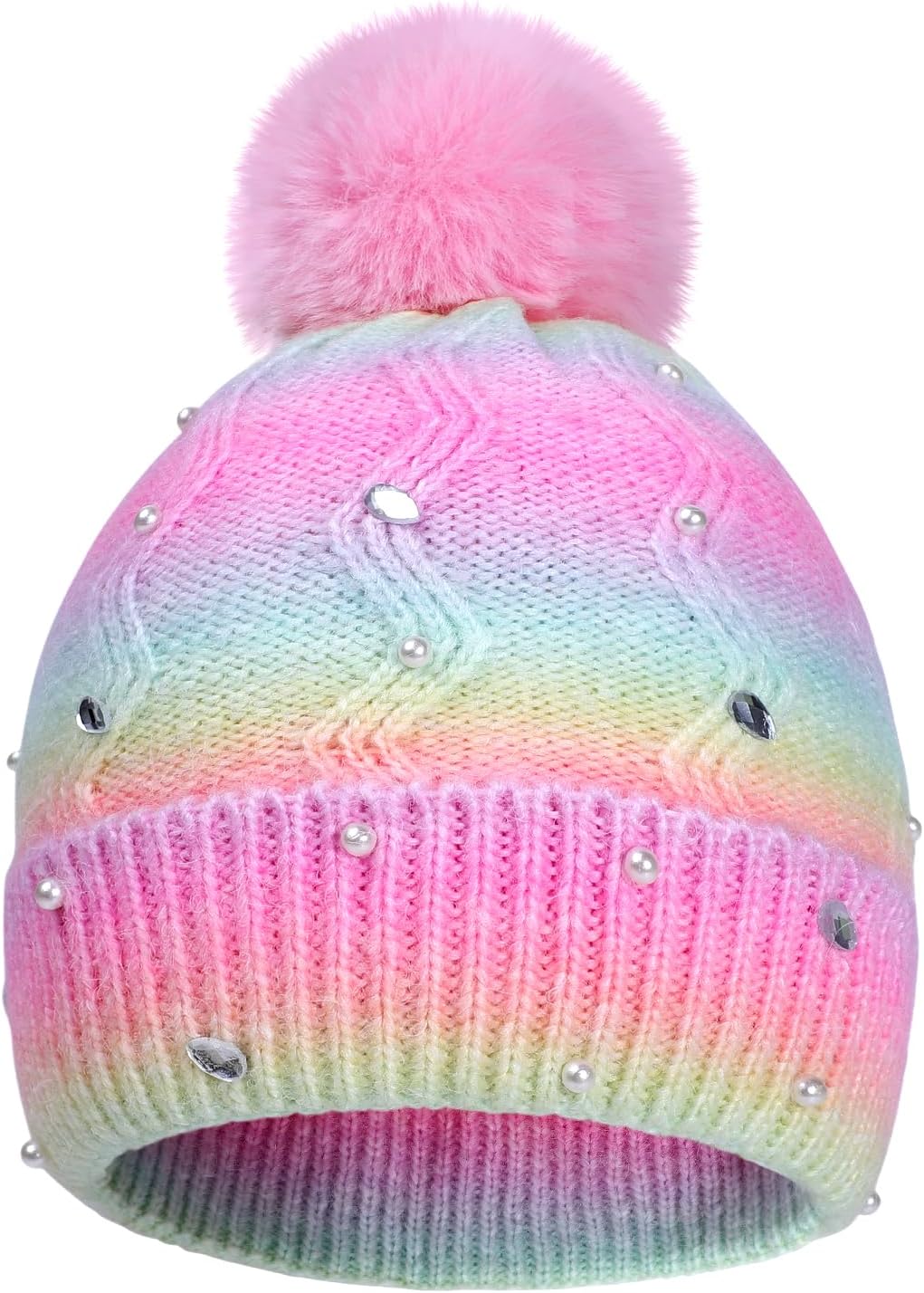
Kids Winter Knit Hat with Pompom - Sparkly Sequin & Pearl Rhinestone Beanie, Warm Ski Cap for Boys & Girls Ages 3-14
Product details
| Management number | 237802856 | Release Date | 2026/07/10 | List Price | US$6.80 | Model Number | 237802856 | ||
|---|---|---|---|---|---|---|---|---|---|
| Category | |||||||||
- High Quality Material: The kids beanie hat is made of high quality acrylic knitting yarn. Beautifully and softly knitted, looks attactive and lovely. Great fit for both little boys and little girls alike.There are a variety of colors for you to choose. It is a great winter accessory to add a pop of style and fun to any of your kids everyday outfits.
- Kids Sparkling Sequins Beanie: Our dazzling beanie features premium, color-shifting sequins that create magical light reflections with every movement. Each sequin is securely stitched to a soft, stretchy knit base for all-day comfort. The plush faux fur pompom adds playful bounce while the breathable acrylic fabric keeps little heads cozy without overheating.Perfect for winter playdates, holiday photos, or adding sparkle to school days.
- GREAT FIT: Two Size,the fit ranges from toddler to kids and children.This kids winter hat performs great in flexibility and stretchability, elastic yet not loose. Available 2 Size for kids 3 to 14 years old :Little kid (3-8 Years) ; Big kid (7-14Years). This classic kids winter warm beanie will look cute on your little angel.
- Great Look: The kids sequin pom pom beanie offers both quality and fun . It's made with attention to detail, ensuring that your child stays warm and comfortable in style.This kids’ beanie cap will look fabulous on your little angel and is perfect when the weather turns from warm to cold. The faux fur pom adds a playful touch to the beanie's overall design. Great to throw on with everyday outfits and can add pop of style and fun with some cute boots or winter coats.
- ADD FUN TO WINTER : The winter beanies for kids will warm your little ones on all freezing winter days. Great for skiing, skateboarding, skating, hiking, traveling and other outdoor activities. It can also be a great gift for birthday, Christmas, Halloween, Thanksgiving or other special events. Effortlessly matched with autumn and winter clothing, adding a touch of fashion and cuteness to your kids appearance.
| ASIN | B0FLJXS1GL |
|---|---|
| Color | Sequin-hot Pink |
| Pattern | Solid |
| Seasons | Fall, Winter |
| Brand Name | KDVOG |
| Style Name | Soft |
| Unit Count | 1 Count |
| Fabric Type | 100% Acrylic |
| Hat Form Type | Beanie |
| Is Waterproof | False |
| Material Type | Acrylic |
| Occasion Type | building snowmen, outdoors, school, skating, skiing |
| Pattern Style | Solid |
| Item Dimensions | 2 x 2 x 4 inches |
| Number of Items | 1 |
| Additional Features | Adjustable, Carry-On, Elastic Band, Lightweight |
| Apparel Closure Type | Elastic |
| Age Range Description | Little Kid |
| Fit to Size Sentiment | Positive |
| Apparel Fabric Stretch | Medium Stretch |
| Water Resistance Level | Not Water Resistant |
| Product Care Instructions | Machine Wash |
| Apparel Fabric Weight Class | Lightweight |





Bestseller ranking
bettergoods Desserts



Customers who viewed this product also viewed
Shop All Klein Tools
Correction of product information
If you notice any omissions or errors in the product information on this page, please use the correction request form below.
Correction Request Form